Search without a network round trip
Search bundled Lucide icons by name or common aliases. The plugin does not call a remote icon API.

Reusable icon kits for Figma Design
Search Lucide, set your colour and stroke, and save a kit you can return to. Replace selected icons from the plugin while keeping their outer frames in place.
Submitted to Figma Community for approval. Free search and insertion. Pro kits and replacement: $7 once.
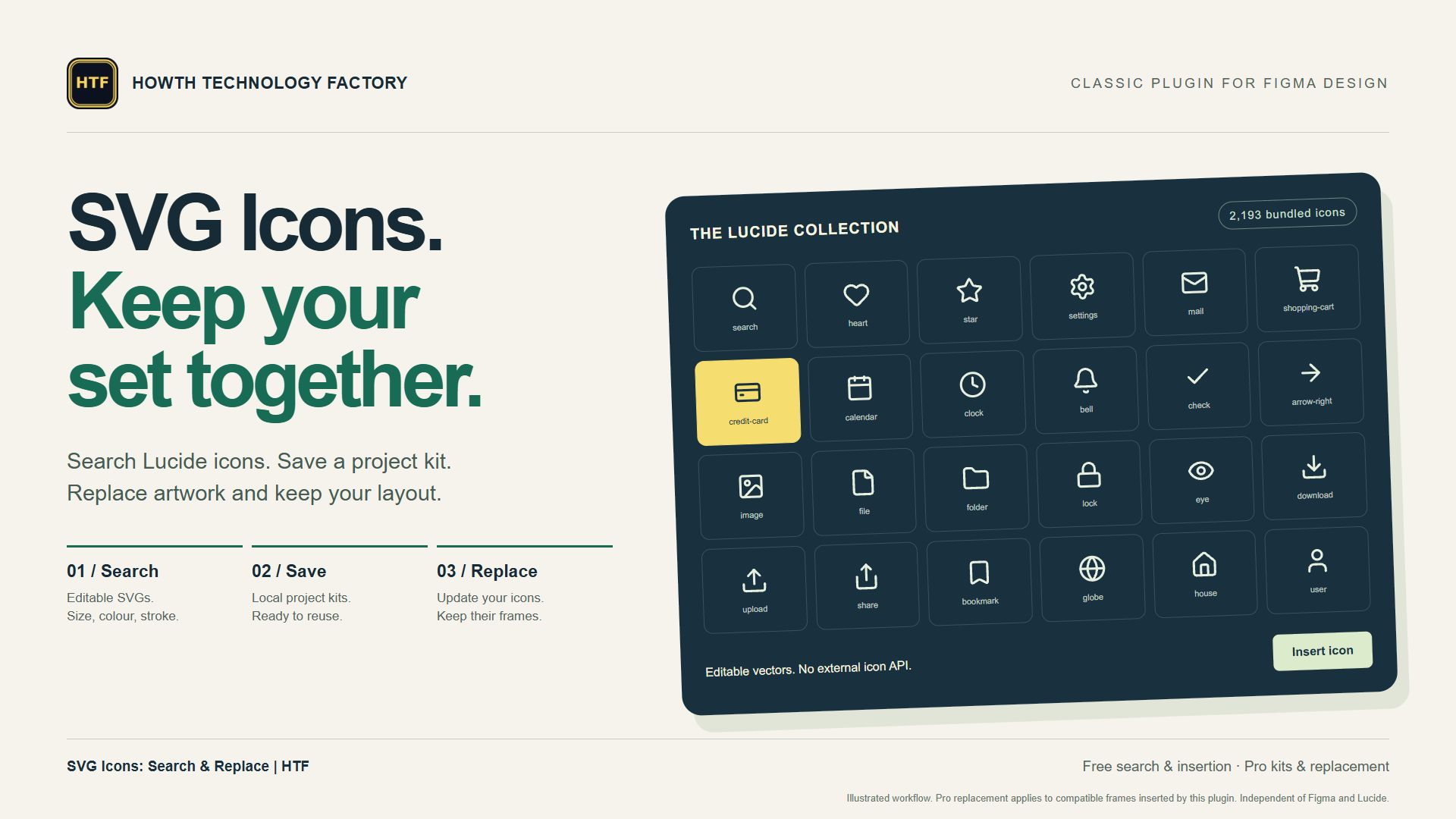
A collection helps you find an icon once. A kit helps you repeat the same choices across a product. SVG Icons | HTF keeps that second step close at hand: reusing a small, consistent set.
Search bundled Lucide icons by name or common aliases. The plugin does not call a remote icon API.
Set a size from 12 to 256 pixels, choose a hex colour and adjust the stroke before inserting an SVG-based icon.
Pro supports up to 20 saved kits with 200 icons per kit, plus replacement of eligible selected icons. Kits stay on your local Figma client.
The development build bundles its icons and sets the plugin’s allowed network domains to none. It contains no analytics, AI calls, external icon service or Howth account.
Saved kits use Figma clientStorage, local to the Figma client. The current palette stays in memory. Use the saved-kit Delete control to remove a kit; Clear palette removes the current selection from the plugin panel.
Inserting or replacing icons changes the open Figma document. Deleting a kit does not remove icons already inserted into a design.
The build integrates Figma’s native payment interface for paid features; seller setup, native checkout opening and cancellation have been verified in development. Public checkout is not yet available. The plugin does not receive card details.
Browser demo: the canvas and Pro access are simulated. Saved demo kits use this browser’s local storage; Delete removes a kit. Clear this site’s browser data to remove all demo kits. Canvas items reset on refresh. The demo does not contact Figma or process payments.
This marketing page uses Google Analytics. The website privacy notice explains website analytics and contact messages separately from the plugin.
No. Offline refers to searching the icon library bundled with the plugin. Figma has its own connection and application requirements.
The bundled Lucide library uses the ISC license, with MIT notices for icons derived from Feather. The complete third-party license notices are available here and included with the build. Preserve applicable notices when redistributing the artwork.
Try the browser demo now. Submitted to Figma for review on 28 October 2026 at $7 USD once for Pro, with free search, insertion and unsaved palettes. Approval is pending and purchases are not yet available. The Figma listing may be restricted while review is pending. Figma will handle checkout after approval; this website has no checkout.
For an SVG Icons | HTF question, include your Figma environment, the icon name and what you selected before the action. A small sample file is more useful than a confidential production design.
Email apifymcpfactory@gmail.com with “SVG Icons: Search & Replace | HTF” in the subject, or use the website contact form.
Never send passwords, API tokens or private customer data. Replies are handled by Agentic Systems Studio | HTF. Paid Figma customer enquiries receive a response within three business days under the Figma Creator Agreement.
For a privacy or deletion request, name the product and describe the data involved without including the data itself.
Figma is a trademark of Figma, Inc. SVG Icons | HTF is an independent Agentic Systems Studio | HTF product.